
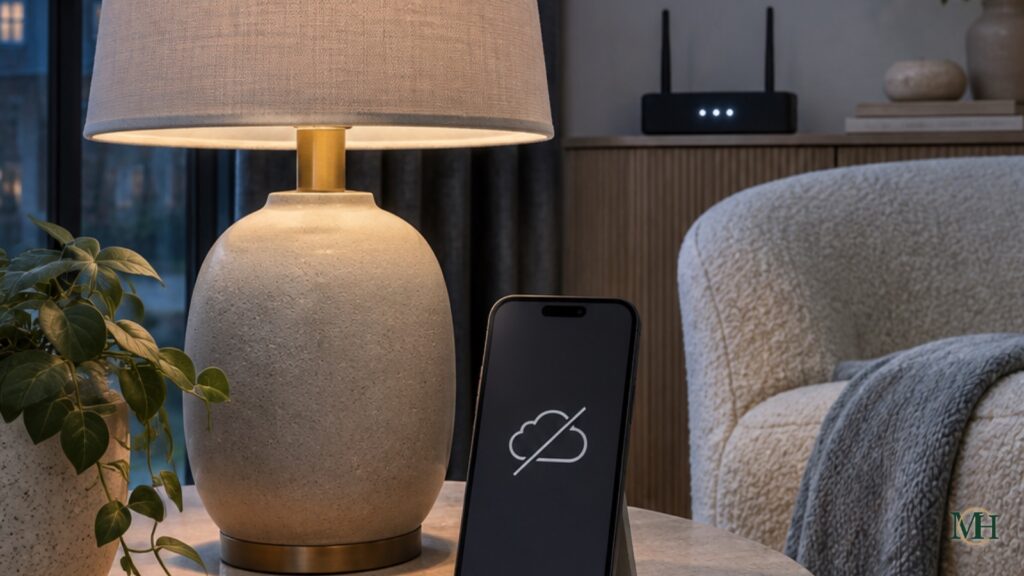
The internet goes out. What still works?
That question sounds simple, but a smart home without internet is not one yes-or-no situation. A device may keep its physical control while losing its app. A schedule may continue locally while a phone alert stops. Remote access may require an internet-connected hub even when control inside the home remains available.
The useful buying question is not merely, “Does it work offline?” It is: Which feature works, and what does that feature require?
This guide gives you six questions to ask before buying. Use the answers for the exact product, model, app and smart-home platform you plan to use. Product behavior can change with hardware, configuration, software and service updates.
Why “works offline” needs a follow-up
Smart-home features can depend on different parts of a system:
- the device itself;
- a physical switch, button or keypad;
- a local hub or controller;
- your home Wi-Fi network;
- an outside internet or cloud service;
- the manufacturer’s app and account;
- electricity, batteries or another backup-power arrangement; or
- a paid service for a particular feature.
That is why two features on the same product may behave differently during the same outage.
The Government of Canada’s consumer Internet of Things checklist recommends asking whether a device can be used when the internet is down and, more specifically, which features work offline. The Connectivity Standards Alliance likewise explains that Matter provides local connectivity while away-from-home control still depends on an internet-connected controller or, for some products, a manufacturer’s cloud connection. That distinction is exactly why a general “offline” label is not enough.
1. Is there a physical control?
Start with the most immediate action: can someone standing in front of the device still use it without a phone?
Look for a real switch, button, dial, keypad, latch or other manual control. Then confirm what that control does during an internet outage. A physical control is especially important for a feature your household uses every day, because an app should not be the only obvious way to perform a basic task unless you have deliberately accepted that dependency.
Ask:
- Can the core function be operated at the device?
- Does the physical control work when the internet is unavailable?
- Can every household member use it without finding a phone or remembering an app login?
Do not infer the answer from how the product looks. Check the current manual or support page for the exact model.
2. Where do its routines and schedules run?
A routine can run on the device, on a hub inside the home or through an online service. Those arrangements may look identical when everything is connected, but they can behave differently during an outage.
Ask the manufacturer or review its current documentation:
- Is the schedule stored on the device?
- Does a local hub execute it?
- Does it require the internet or a cloud service?
- If the connection returns, does the routine resume automatically or need attention?
Some platforms have model- and setup-specific requirements. For example, Apple’s current Home documentation says certain Thread-based accessories require a compatible home hub for automations, notifications and away-from-home control. That is not a rule for every smart-home product; it is an example of why the exact platform and configuration matter.
3. Will a local alarm still sound?
If you are buying a sensor, detector or monitor, separate the local alert from the phone notification.
A siren, chime or audible alarm at home is one feature. A push notification sent through an app is another. The notification may depend on the device reaching your network, the internet, the manufacturer’s service and your phone’s settings—even if the device can still make a sound locally.
Ask:
- Does the device itself make a sound or show an alert?
- Which conditions trigger that local alert?
- Does it continue during an internet outage?
- What powers the alarm, and how is low power communicated?
For life-safety equipment, use only products approved for the intended purpose, follow the exact instructions and never substitute a general smart-home device for a required alarm or safety system.
4. What happens to alerts and remote access?
Remote control means reaching the device when you are away from the home. That usually introduces more dependencies than using a control inside the home.
The Connectivity Standards Alliance describes Matter as a local-connectivity technology and notes that remote control of Matter-only devices requires an internet-connected controller in the home. Google’s current Nest troubleshooting documentation similarly shows that an offline device can disappear from the app or lose app functions, with the effect varying by product type.
Before buying, ask:
- Can I control it only while I am on the home network, or also while away?
- Is a compatible hub or controller required?
- Does remote access require the manufacturer’s cloud service or subscription?
- If the service is unavailable, which local functions remain?
This is also a good point to decide whether remote access is truly necessary. If the feature you need is a reliable physical control, adding an app may not improve the routine enough to justify another dependency.
5. What happens when the internet is out but power is on?
An internet outage is not the same as a power outage. Your electrical service, router, local Wi-Fi network and outside internet connection are separate parts of the system.
During an internet-service outage, the device and router may still have electricity. Local control may continue if the setup supports it, while cloud-dependent features may not. But do not assume that being connected to Wi-Fi means the device can reach an outside service.
Ask the manufacturer for the exact internet-out behavior of the feature you care about. Useful answers should name functions—such as physical control, local schedule, local alarm, app control, notification and remote access—not simply repeat “works offline.”
6. What happens when the power is out?
If the power is out, an internet-independent feature can still stop because the device, router, hub or controller has no electricity. Battery power does not automatically mean the whole system will work: one device may have a battery while a required hub or network component does not.
Ask:
- Does the device have backup power?
- Which functions does that backup actually support?
- How long is it designed to operate under the stated conditions?
- Do the router, hub or other required components also have suitable backup power?
Never improvise a backup-power setup for essential, medical or life-safety equipment. Follow the equipment manufacturer’s requirements and qualified professional guidance where appropriate.
A six-question smart-home buying checklist
Before purchasing, write down the one feature you actually want. Then answer:
- Physical control: Can I use it at the device?
- Routines: Where do its schedules and automations run?
- Local alarm: What happens inside the home without internet?
- Remote access: What needs the app, a hub, the cloud or a subscription?
- Internet out: Which named functions remain available while power is on?
- Power out: Is there backup power, and exactly what does it support?
If the documentation does not make an answer clear, ask the manufacturer before buying. Save a copy or link to the relevant instructions with your home records so you can revisit them after an app, router or platform change.
Buy the feature you need—not the word “smart”
The best choice is not always the product with the longest feature list. It is the product whose required feature fits your household’s actual routine and whose dependencies you understand.
Start with one device. Choose the action that matters most, trace everything it needs to work, and decide whether that chain still makes sense during an internet outage or power outage.
For another practical smart-home check, use the MHC Smart-Home Access Audit to review people, codes, linked services, signed-in devices and the account that controls the system. You can also read What to Automate at Home—and What to Keep Manual before adding another app or device.
Save the original Offline Smart Home carousel on Instagram for the six-question checklist.
Images are AI-assisted and illustrative. Generic pictured devices are not specific products and were not tested or endorsed. Features and requirements vary by product, model, configuration and service. Consult the current manufacturer documentation.

